Guide to Flexible Office Planning for Amarillo Teams

Balancing productivity with flexibility can feel challenging for Amarillo teams when traditional office leases add expense and stress. Remote professionals and small business owners need solutions that match their unique work styles and team sizes. By choosing flexible coworking memberships and configuring workspace layouts to individual and collaborative needs, Amarillo businesses can create environments that support performance and long-term growth—without the limitations of conventional offices.
Quick Summary
| Key Point | Explanation |
|---|---|
| 1. Assess Team Workspace Needs | Systematically evaluate team size, work styles, and collaboration needs to maximize productivity and comfort. |
| 2. Choose Appropriate Membership Options | Compare flexible workspace memberships to find the best fit for your budget and team size requirements. |
| 3. Design an Effective Office Layout | Create a workspace that encourages collaboration and individual focus while accommodating technology needs. |
| 4. Implement Technology and Logistics | Establish a robust technology infrastructure and streamline operational planning for improved efficiency. |
| 5. Measure Productivity and Comfort | Use surveys and performance indicators to continuously assess workspace effectiveness and make adjustments. |
Step 1: Assess workspace requirements for your team
Successfully planning your team's workspace starts with a strategic and systematic assessment of your operational needs. By breaking down functional requirements and understanding your team's work dynamics, you can create an environment that supports productivity and collaboration.
Begin by conducting a structured requirements review that evaluates:
- Team size and composition
- Individual work styles
- Collaboration needs
- Functional performance requirements
- Hybrid and remote work patterns
Start by documenting the number of team members and their typical work patterns. Are they primarily remote? Do they need collaborative spaces? Will they require private areas for focused work?
Understanding your team's workspace requirements is more than measuring square footage — it's about creating an environment that supports individual work preferences.
Next, map out workspace requirements by categorizing team member roles and their corresponding spatial needs. For example, creative teams may prefer more collaborative areas, while technical teams may need quieter, focused workspaces.
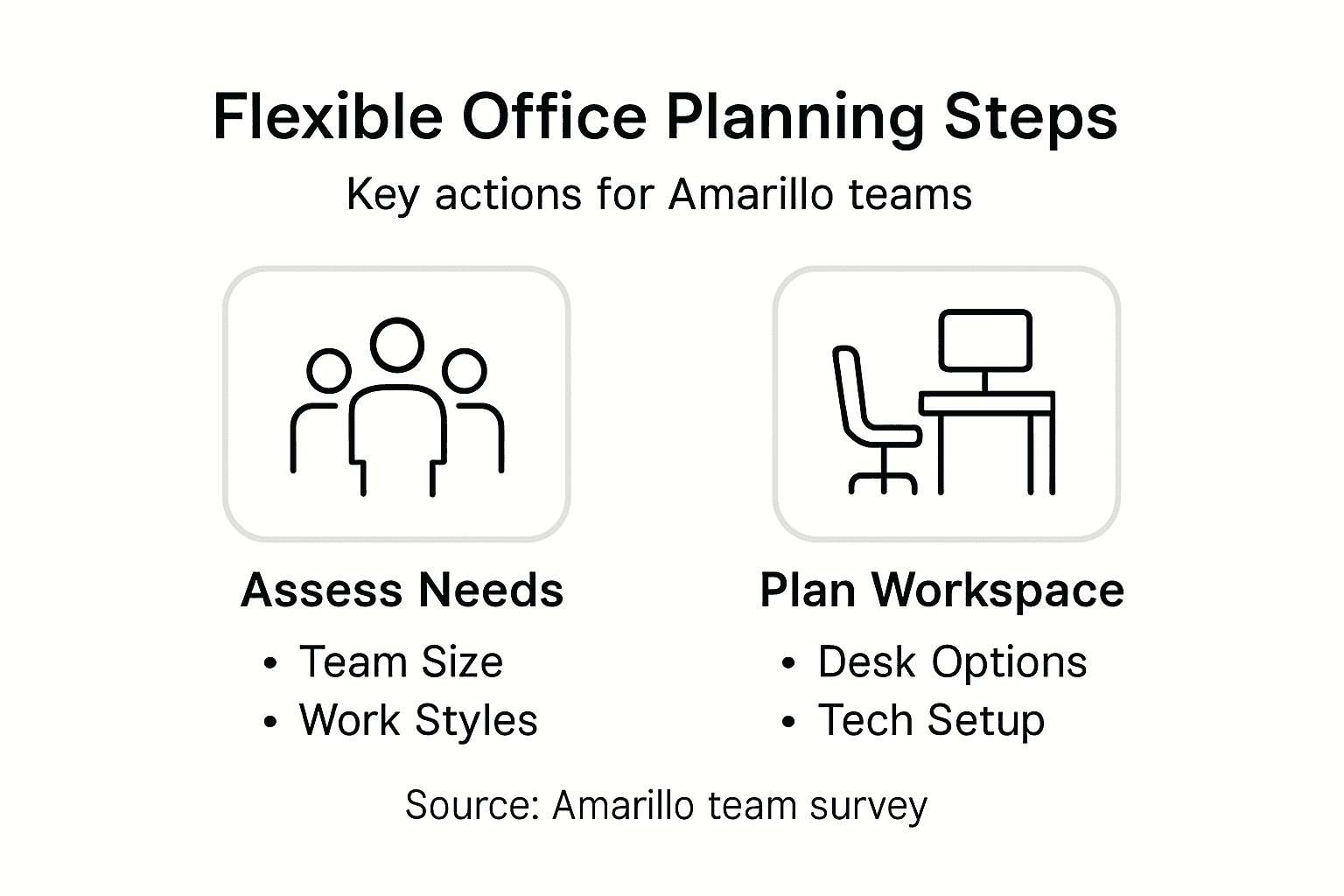
Workspace Configuration Considerations:
Here's a summary of workspace types and their business advantages:
| Workspace Type | Best Suited For | Business Impact |
|---|---|---|
| Open Collaborative | Creative, design teams | Boosts teamwork, idea sharing |
| Private Meeting Rooms | Managers, client calls | Supports confidentiality |
| Dedicated Workstations | Technical, focused roles | Improves concentration |
| Hot-Desking Areas | Hybrid, flexible teams | Reduces unused space |
| Tech Integration Zones | IT, data teams | Enables high productivity |
- Open collaborative zones
- Private meeting rooms
- Dedicated individual workstations
- Flexible hot-desking areas
- Technology integration spaces
Practical Measurement Tactics:
- Survey team members about workspace preferences
- Analyze current productivity pain points
- Document equipment and technology requirements
- Assess potential future team growth
Pro tip: Document your findings in a simple matrix so decision-makers can quickly see the team’s priorities.
Step 2: Compare flexible membership options and amenities
Navigating flexible workspace memberships requires a practical approach to finding the best fit for your Amarillo team. Understanding differences between membership tiers helps you maximize value and avoid paying for the wrong setup.
Start by evaluating membership options based on what actually affects day-to-day operations:
- Access hour